
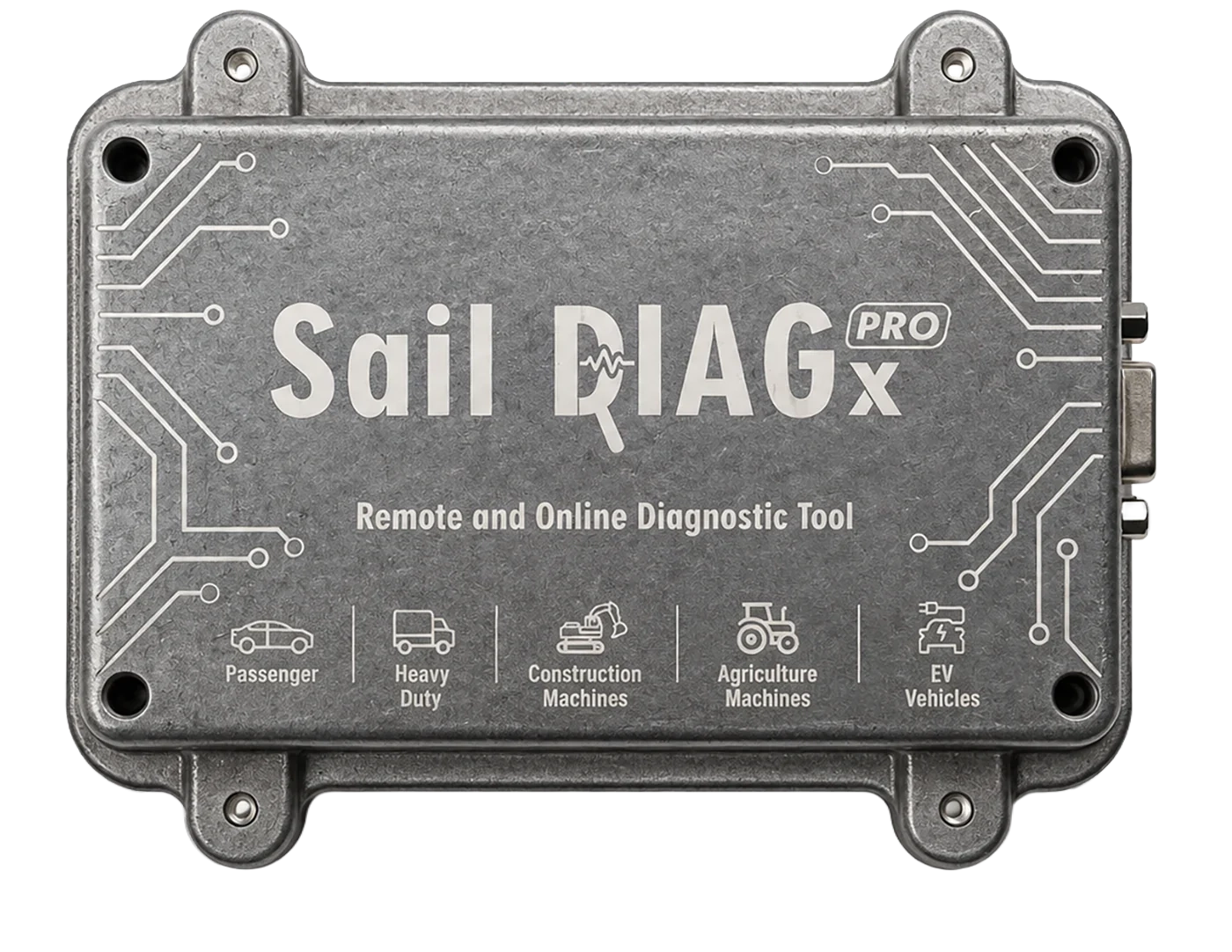
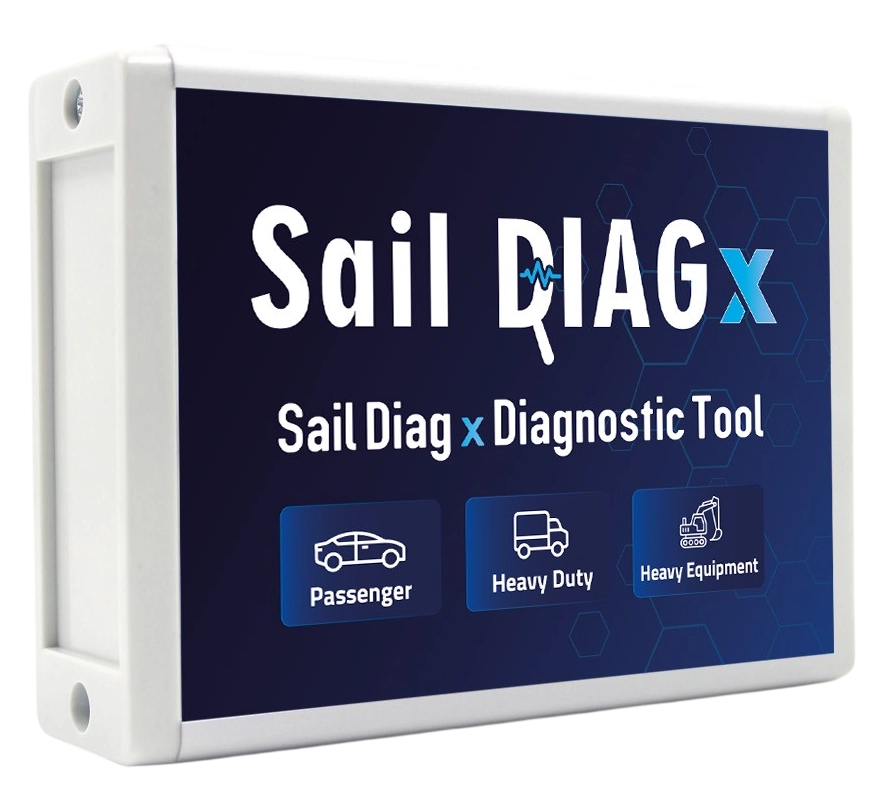
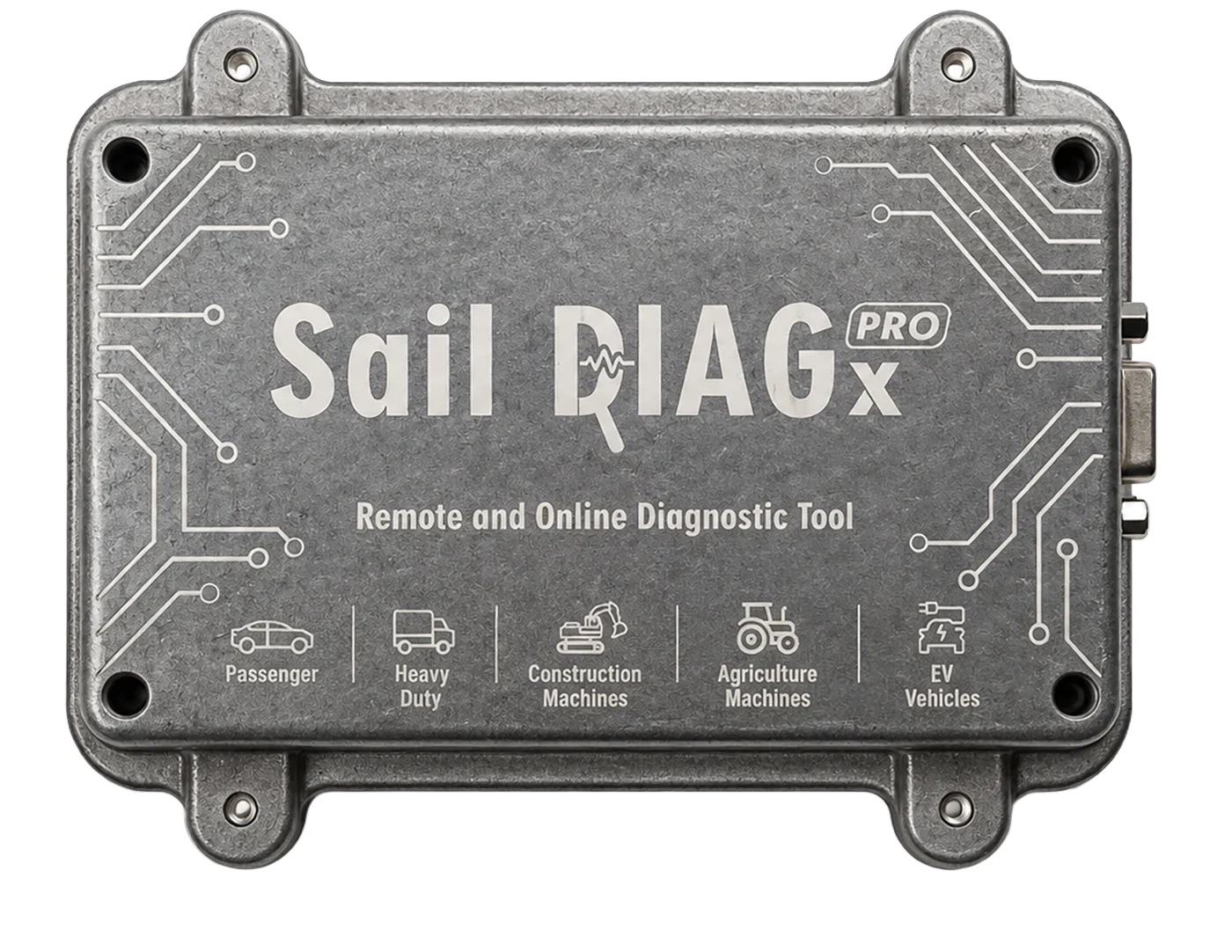
Sail Diag X Pro
Remote Diagnostic
Connect to vehicles across different locations and perform fault diagnosis and supported diagnostic procedures remotely from a central point. With Sail Diag X Pro, extend technical expertise beyond physical boundaries.
How Does Remote Diagnostics Work?
Explore every stage, from vehicle connection to remote intervention. See how Sail Diag X Pro enables diagnostic operations across different service locations.
-
Vehicle connection established
Sail Diag X is connected to the vehicle through its OBD-II port. The mobile application provides access to vehicle systems and diagnostic operations.
-
A technical issue is encountered
For example, when DPF regeneration cannot be completed or a more advanced diagnostic procedure is required, a remote connection can be used.
-
Remote connection initiated from HQ
The central technical team initiates a remote connection to the service location using Sail Diag X Pro. Vehicle and procedure details are shared.
-
Remote diagnostic session established
Once the connection is authorized, the technician remotely accesses the vehicle systems. Fault codes and available data are reviewed to determine the required procedures.
-
Required diagnostic procedures performed
Supported diagnostic procedures are performed remotely. Compatible original equipment manufacturer (OEM) diagnostic tools can also be used when required.
-
Procedure completed
The performed operations are verified and the remote session is closed. The diagnostic procedure is completed under the supervision of the technical team.
Remote Diagnostics Without Distance Barriers
Handle technical issues across multiple locations from a central point. With Sail Diag X Pro, connect to remote diagnostic devices to perform fault diagnosis and supported service operations. Extend your team’s technical expertise across your entire service network while reducing time and operational costs.
- 01 Service 3 cannot complete the DPF procedure
- 02 A remote connection is established using X Pro at HQ
- 03 The technician performs the DPF procedure remotely
- 04 Procedure completed, the service resumes operations
-
No Need for X Pro at Every Location
Remote connections can be established using Sail Diag X Pro at the main location and Sail Diag X at other sites.
-
Remote Technical Intervention
The central technical team can connect to devices at different locations to perform fault diagnosis and supported diagnostic operations.
-
Flexible Connection Architecture
Sail Diag X Pro can operate as Master or Slave depending on the connection requirements.
-
Broad Device Compatibility
The supported connection infrastructure enables remote operations with other compatible diagnostic tools.
-
Multiple Locations, One Control Point
A single Sail Diag X Pro enables remote access to diagnostic devices across multiple service locations.
One Central Hub. Multiple Service Locations. Technical Expertise Without Boundaries.
When Is Remote Diagnostics Useful?
-
01
Technical Intervention Across Locations
Remotely access technical issues across different service locations. Manage diagnostic procedures without requiring experienced technicians to be physically present at every vehicle.
-
02
Complex Diagnostics and Service Procedures
Use centralized technical expertise for fault diagnosis, coding, adaptation and supported service procedures. Analyze vehicle data remotely and perform the necessary operations.
-
03
Procedures Requiring OEM Diagnostic Tools
For procedures requiring original equipment manufacturer (OEM) diagnostic tools, remotely use compatible devices through the supported connection infrastructure and manage diagnostic operations centrally.