
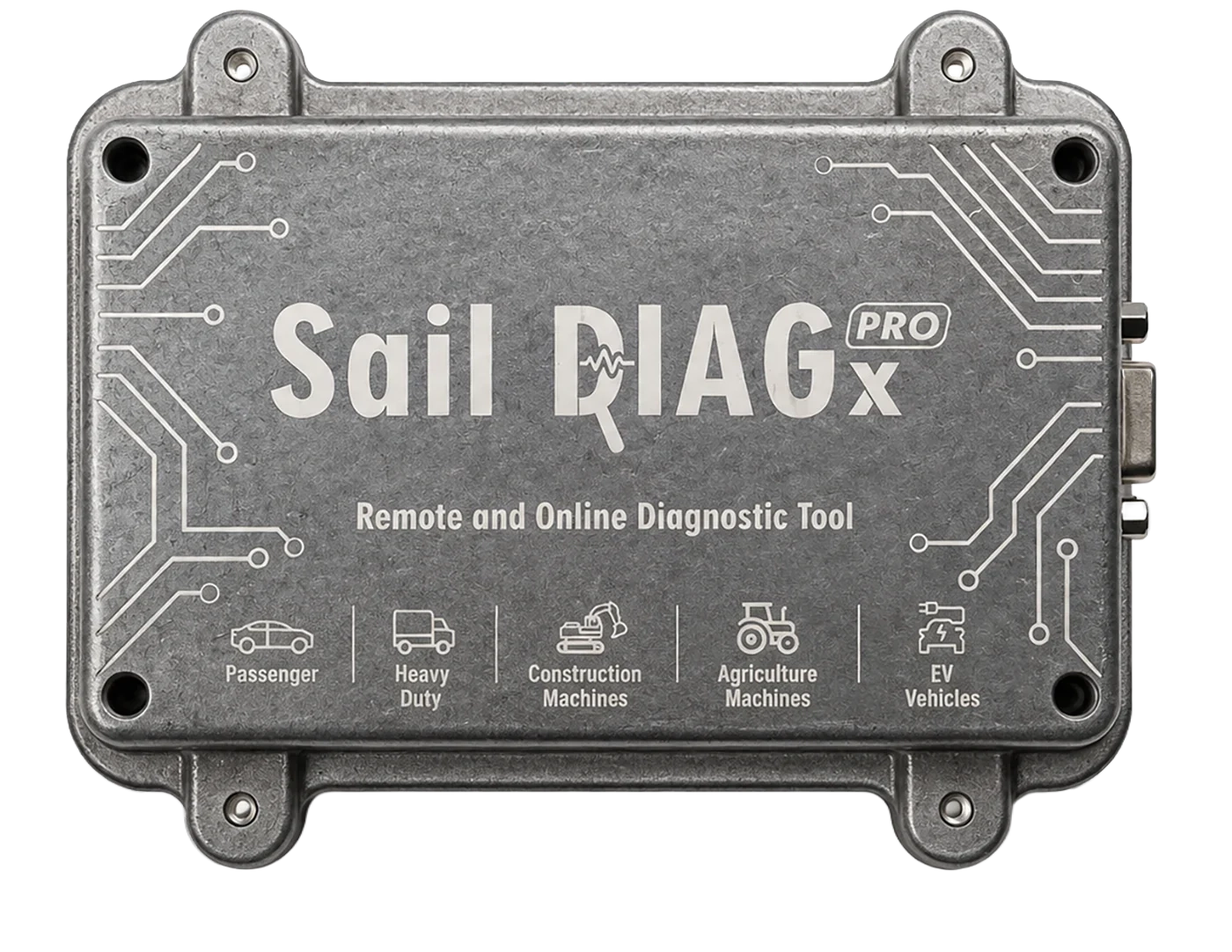
Sail Diag X Pro
Remote Diagnostic
Working on a new vehicle make or facing a problem you cannot resolve? Sail Teknoloji experts connect to your device remotely, investigate the issue and help you find a solution.
How does it work?
Follow each step of the remote diagnostic process, from your vehicle and Sail Diag X Pro to our technical support centre.
-
Connect the device to the vehicle
Plug Sail Diag X Pro into the vehicle's OBD-II socket. It pairs with the Sail Diag app on your phone and scans the vehicle.
-
Facing a problem you cannot resolve?
Working on a new vehicle make or facing a problem you cannot resolve? Sail Teknoloji remote technical support is here to help.
-
Request support from your phone
Contact Sail Teknoloji technical support from your phone and share the vehicle details and the procedure you need help with.
-
Our expert connects remotely
With your permission, our expert connects to your Sail Diag X Pro over the internet. The vehicle stays at your workshop while our technical team assists remotely.
-
Diagnostics and OEM tool support
Our expert analyzes the debug logs to identify the issue. If necessary, they use original equipment manufacturer (OEM) diagnostic tools to perform the procedure remotely.
-
Procedure completed
Once the procedure is complete, you receive the result. The vehicle can return to service, and you can move on to your next job.
Manage Your Fleet with Sail Diag X Pro
One Sail Diag X Pro at HQ, Sail Diag X at your other sites. When a job stalls at a site, the X Pro at HQ connects to that device remotely and completes it.
- 01Service 3 cannot complete a DPF job
- 02The X Pro at HQ connects to the Sail Diag X at Service 3
- 03The DPF job is run remotely
- 04Solved, the service carries on
-
Sail Diag X is enough at the supported service
Sail Diag X Pro is not required.
-
The connecting side uses Sail Diag X Pro
The remote connection is made from an X Pro.
-
X Pro works as Master or Slave
It can connect or be connected to, as needed.
-
Works with other diagnostic tools
Remote jobs can also be run with another tool via the supported connection.
-
One X Pro supports every site
Devices at different sites are reached from one centre.
One Sail Diag X Pro, Remote Technical Support for All Your Sites.
When can remote diagnostics help?
-
01
When you encounter a new vehicle make
When you work on a vehicle make for the first time, our experts connect remotely to help you examine its systems and perform the required procedures.
-
02
When you cannot resolve an issue
If you encounter an issue you cannot resolve during diagnostics, coding, adaptation or service procedures, our experts review the debug logs and help you find a solution.
-
03
When an OEM diagnostic tool is required
When a procedure requires an OEM diagnostic tool, our expert can use the appropriate tool remotely to help complete the job.